TradingView Bar Replay vs Focused Replay Practice
Learn when TradingView Bar Replay helps, where it falls short for deliberate practice, and how to use SkillCandle-style replay review for cleaner chart reps.
Key Takeaways
- TradingView Bar Replay is strong for visual chart replay, but deliberate practice needs a forced decision and review.
- A replay session should start with a hidden-future read and end with a mistake label or next rule.
- SkillCandle is built for shorter practice loops where chart replay, reveal, and review stay connected.
- The best workflow is not more replay time; it is cleaner replay reps.
TradingView Bar Replay is one of the most useful chart-study features traders discover early. It lets you move back in history, choose a starting point, and replay bars as if the future is still unknown.
That solves one important problem: it removes some hindsight from chart study.
But it does not automatically create deliberate practice. A replay tool becomes training only when the trader has to commit to a read, watch the outcome, and review the exact mistake.
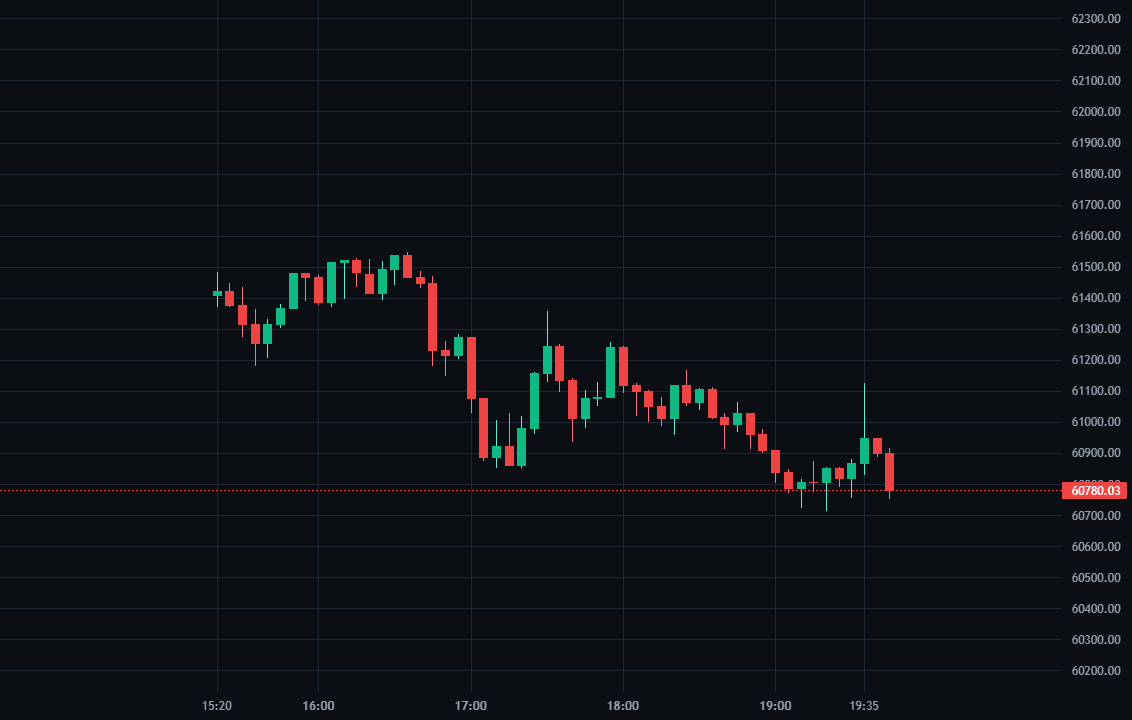
What Bar Replay tutorials already cover
Most Bar Replay tutorials focus on tool mechanics. TradingView's own help pages explain how Bar Replay lets traders simulate past price movement, choose a starting point, adjust playback speed, move forward bar by bar, and run replay across chart layouts.
Those are useful mechanics. The missing part is the practice system around them.
TradingView Bar Replay vs SkillCandle replay
| Workflow | Best for | Weakness |
|---|---|---|
| TradingView Bar Replay | Studying historical bars on a familiar chart | Easy to watch without committing to a tracked answer |
| Generic paper trading | Practicing order placement and live-clock patience | Slower feedback when chart reading is still weak |
| SkillCandle replay practice | Fast hidden-future decisions, reveal, mistake review, and practice P&L | Works best when you use it as a focused training block |
TradingView Bar Replay is valuable, but it still depends on the trader building the practice loop manually.
That is the reason this page targets tradingview bar replay and trading chart replay differently from a normal feature tutorial. The search result already teaches how to turn the tool on. SkillCandle needs to win the next question: how should a trader use replay so the session creates a cleaner next decision?
The replay loop most traders miss
If you use Bar Replay or any market replay simulator, use this structure:
Practice workflow
Focused replay practice loop
- Choose one market and one setup family before starting replay.
- Pause at the decision point and write the directional read or choose to wait.
- Reveal the next bars in sequence instead of jumping to the final result.
- Label the mistake: context, invalidation, confirmation, timing, or target quality.
- End the session with one rule for the next practice block.
The important difference is the review. If nothing gets labeled after the replay, the session is hard to improve from.
When TradingView Bar Replay is enough
Bar Replay is enough when you need:
- a familiar charting interface
- broad historical context
- manual bar-by-bar movement
- a quick way to revisit one market condition
That is a good study mode.
When SkillCandle is a better fit
SkillCandle is a better fit when the goal is not just chart study, but repeated practice:
- hidden-future decisions
- fast question-style reps
- replay reveal
- mistake tracking
- practice P&L review
- setup-specific improvement
That is why the SkillCandle loop is narrower. It is trying to reduce the friction between read, reveal, and review.
A 20-minute replay routine
Review checklist
Trading chart replay checklist
- Pick one setup family before opening the chart.
- Do not reveal the answer until the read is written or selected.
- Review the first wrong read before starting another replay.
- Track whether the mistake was direction, timing, invalidation, or target quality.
- Stop when you have one clear next-session rule.
This is the part many replay tutorials do not cover deeply enough: the replay should create a correction, not only a memory of the move.
Sources reviewed
- TradingView Bar Replay help
- TradingView guide for turning Bar Replay on
- TradingView community backtesting example
Bottom line
TradingView Bar Replay is useful for replaying historical bars. SkillCandle is useful when you want chart replay to become a measurable practice loop. Use replay to hide the future, force the read, reveal the answer, and write the next correction before moving on.
Next step
Replay market replay setups inside SkillCandle
Move from reading about the setup to actually practicing it with a partial chart, replay reveal, and tracked review notes.
FAQ
Questions traders ask about this topic
What is TradingView Bar Replay useful for?
TradingView Bar Replay is useful for replaying historical chart bars, testing reads from a chosen point, and reviewing price action without waiting for the live market.
Is Bar Replay enough for trading practice?
It can help, but traders still need a committed answer, mistake label, and review loop. Without those, replay can become passive chart watching.
When should I use SkillCandle instead?
Use SkillCandle when you want the replay to end in a decision, reveal, mistake review, and practice P&L instead of only moving through historical bars.
Related Reads
Keep building the cluster
TradingView Paper Trading Simulator vs Replay Practice
Compare the TradingView paper trading simulator with replay practice, and learn when each workflow helps chart reading, execution rhythm, and review.
Market Replay Simulator vs Paper Trading [2026 Comparison]
Market replay simulator or paper trading? What each method trains, when replay wins for chart practice, and where paper trading still helps.
Best Trading Simulator for Market Replay [Updated 2026]
What to compare when choosing a market replay simulator, and why replay quality matters more than feature lists for real chart practice.
Crypto Trading Practice Simulator [Updated 2026]
Practice crypto trading with replay instead of random chart watching. This 2026 guide covers crypto trading practice, BTC/ETH/SOL replay, and review loops.